What our models read in a listing’s photos
Before they move the camera, our models read all the photos of a listing together, to know what property they are dealing with.
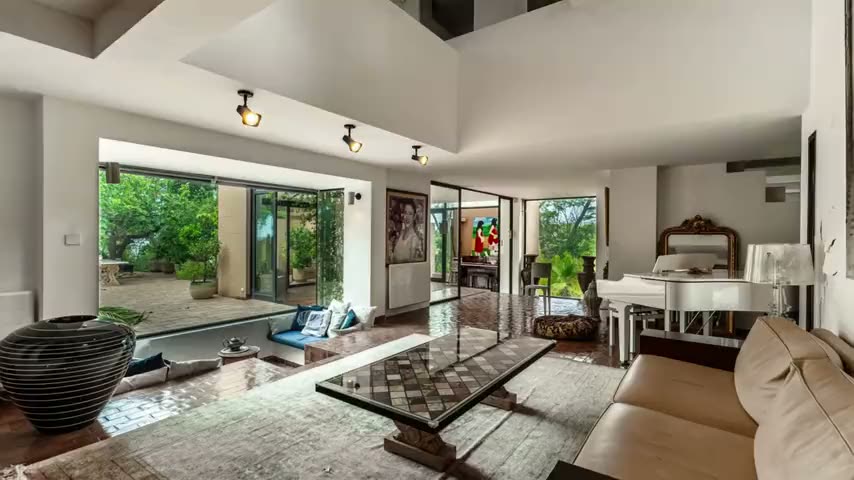
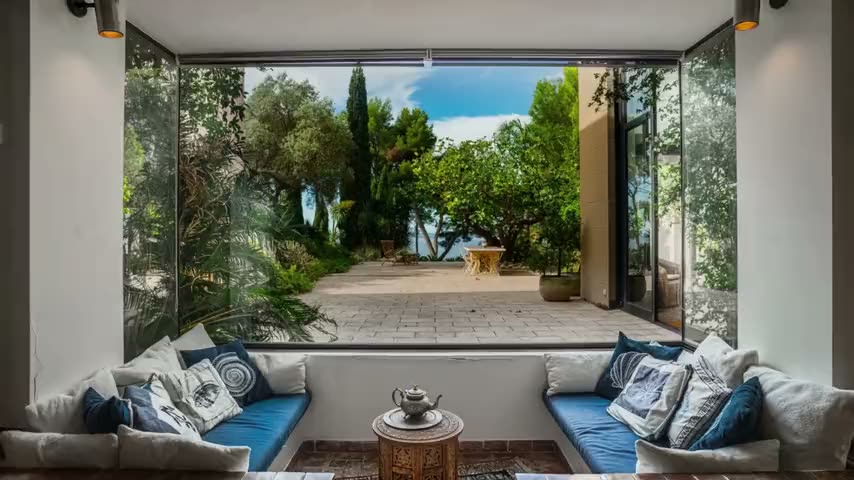
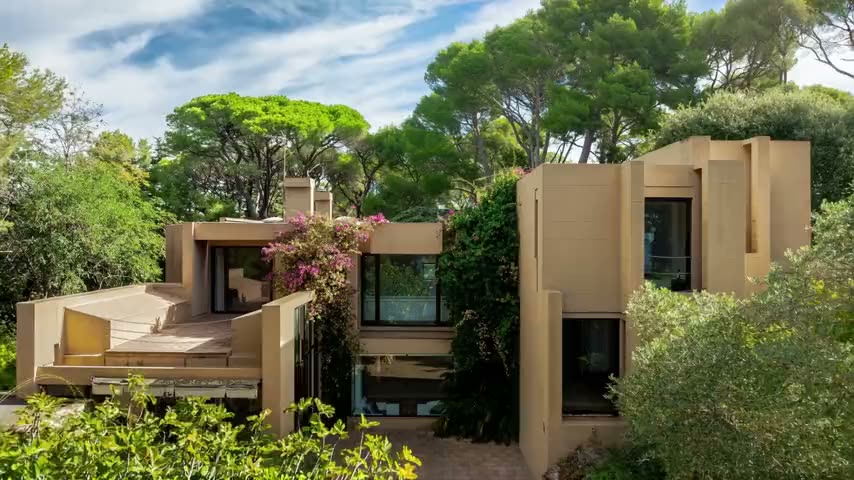
A property listing is usually made up of a series of photos taken by someone who walked through the home. You see the living room from the entrance, the kitchen from the living room, a bedroom, the bathroom, sometimes the view from the balcony. Each photo shows part of the property, and the whole series describes the home.
Someone reading the listing connects these photos without thinking about it. They notice that the living room door opens onto the kitchen, that the bedroom is under the roof, that the terrace extends the lounge, and they picture the home from these parts. Our models do the same work, explicitly, before producing a single image.
Reading the whole listing
The usual way to get a video from a photo is to treat the photo on its own. A model gives it a movement: the camera moves forward a few steps, the image gains depth. The result is an animated photo, sometimes a good one, with a movement decided from a single image. Nothing in that image says that the half-open door on the left leads to the kitchen seen in another photo, or that the window at the back opens onto the terrace photographed further on in the listing.
For us, the unit of work is the listing: our models receive all the photos of a property and read them together. They keep what a visitor would keep: which rooms the home has, how they connect, what shape they are. The camera movement is decided afterwards, from this reading.
The rooms and their identity
The first thing our models read is the list of rooms. A listing might include a living room, a kitchen, two bedrooms, a shower room and a balcony. This list is not always easy to establish: a listing often shows the same room from two angles, and two bedrooms furnished the same way can look so alike that they are mistaken for each other.
A room is recognised by what belongs to it: the floor, the colour of the walls, the shape of the windows, the furniture, a light fitting, a radiator under a window. Our models rely on these elements to know whether two photos show the same room or two different rooms. If the film presented a room seen from two angles as two rooms, it would add a room to the home. If it confused two bedrooms, it would make one disappear.
Proportions, openings, volumes
Each room also has a shape. Our models read its proportions: depth compared with width, ceiling height, the width of a corridor compared with that of a door. They locate its openings: where the doors and windows are, on which wall, and what they open onto when another photo shows it. Finally, they read its volume: a double-height living room, an attic room, a narrow entrance that opens onto a wide room.
A camera movement can distort these elements. When the camera moves into a room, the back wall must come closer in line with the depth the photo indicates. A window the camera moves past must keep its size and its number of panes, and a door it goes through must stay as wide as in the photo. An error on these points can escape a first look and only show on the day of the viewing, when the room is not the size the film suggested.
The landmarks that connect the rooms
To go from one room to the next, you need to know that they meet, and where. Photos usually show this indirectly, through landmarks: the same door frame seen from both sides, a table visible from the living room and again from the kitchen, a parquet floor that continues from one room to the next, the same window photographed head-on and then at an angle.
Our models look for these landmarks from one photo to the next. Each shared landmark establishes a passage: this room opens onto that one, on this side. Put end to end, these passages give the path a visitor would take through the home. This path sets the order of the clips in the film, whatever the order in which the photos were uploaded.
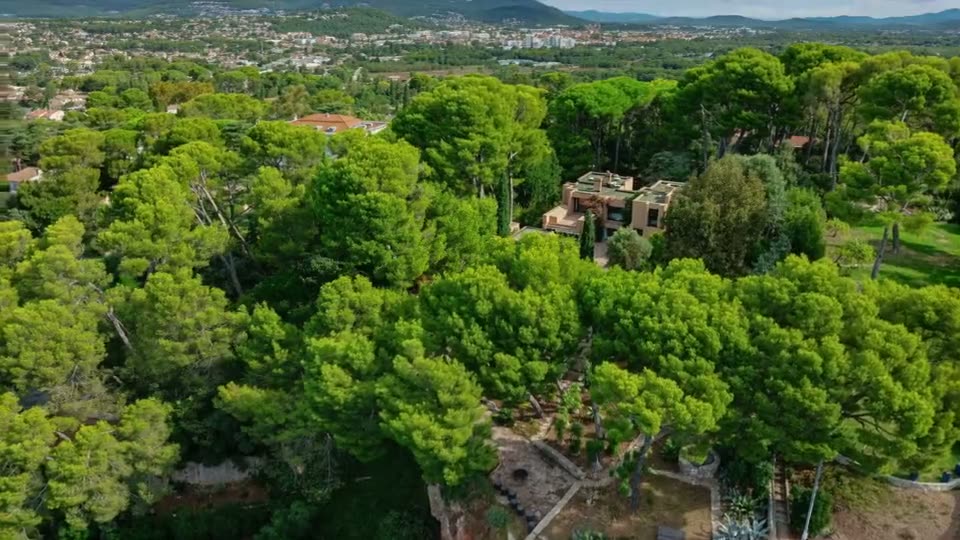
The last frame of one clip, and the first of the next: the same listing photo, from which the film carries on.
When no landmark connects two rooms, the passage between them is not documented. The model notes this and does not invent it. The article “As far as the photos allow” explains what the film does in that case.
Animating a photo, moving through a property
A model decides the camera movement from what it knows of the property. An animated photo moves inside its frame: the camera moves forward, then the shot stops, because nothing beyond it is known. A film that moves through a property moves inside a home whose shape has been read beforehand. The camera can enter the living room, turn towards the door that two photos connect to the kitchen, and carry on, because what it is about to show is documented.
So each clip starts on one listing photo and ends on another. To enter a room without inventing anything, the model must know what it contains beyond the first image. The other photos in the listing tell it.
This reading depends on the photos. A room photographed only once, from a corner, offers little to read. Photographed from two sides, it reveals almost its whole shape. Our models do not make up for a missing photo. What it would have shown does not appear in the film.
The Verification page details what we check before a clip goes into a film.